Home Maintenance Log
What was done, and what's due next.
Every repair, service and replacement, kept with the thing it was done to. Then a reminder when it's time to do it again.
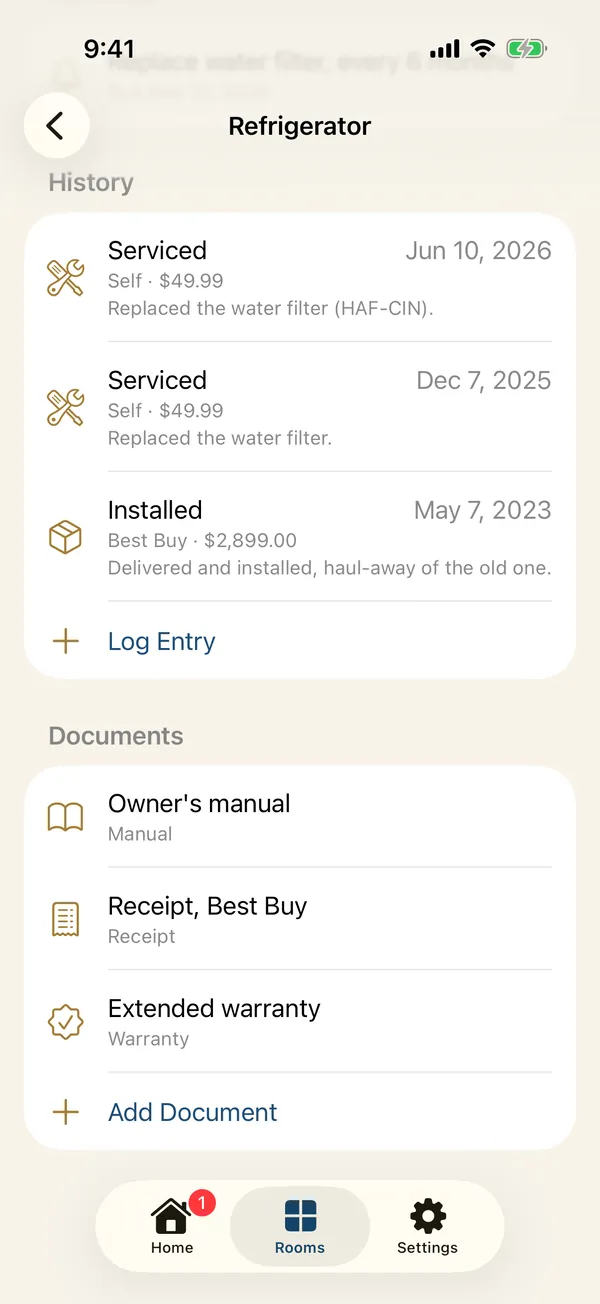
A log for every item
Record each time something was installed, serviced, repaired, replaced or inspected, with who did it, what it cost and notes.
Scan the receipt
Point the camera at a receipt or invoice and the date, the total and the company are filled in.
Your service pros, one tap
Pick who did the work from your service pros, or type any name.
Reminders that keep count
Set a task to repeat every so many days, weeks, months or years. Logging it done starts the count again, so the next date is always right.
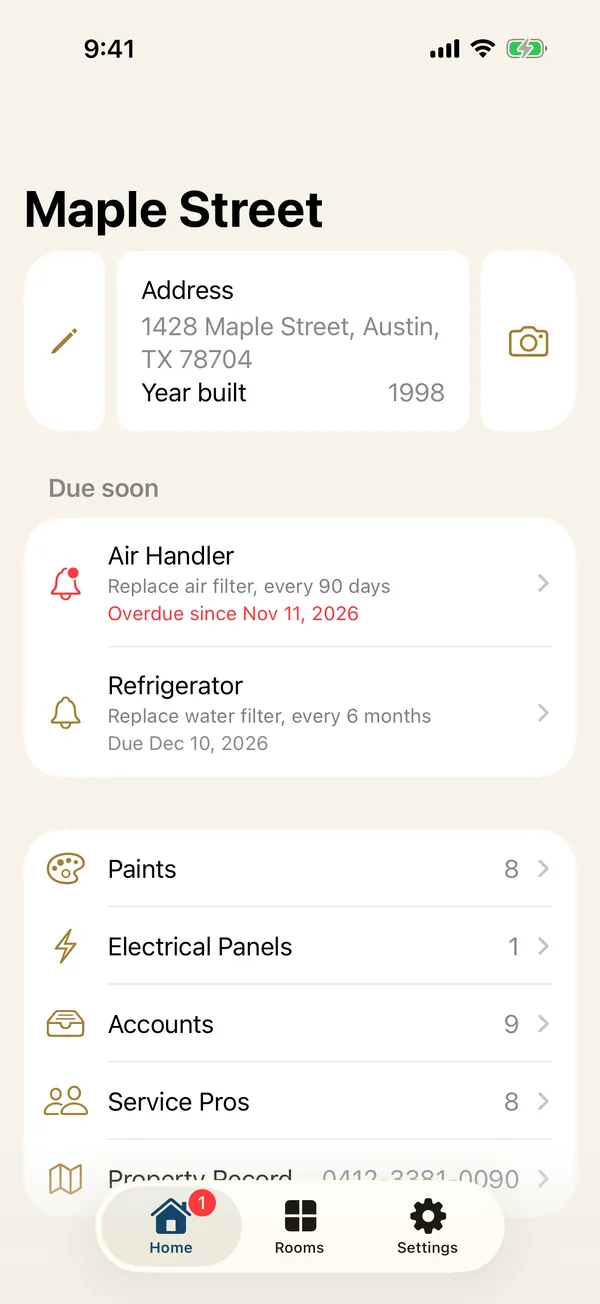
Due soon, on Home
Overdue and upcoming tasks wait on Home, with a badge for what's overdue, each a tap from the item it's about.
A notification on the day
Reminders arrive as notifications at the time you choose, scheduled on your iPhone.