Unfold it, and it opens like a book.
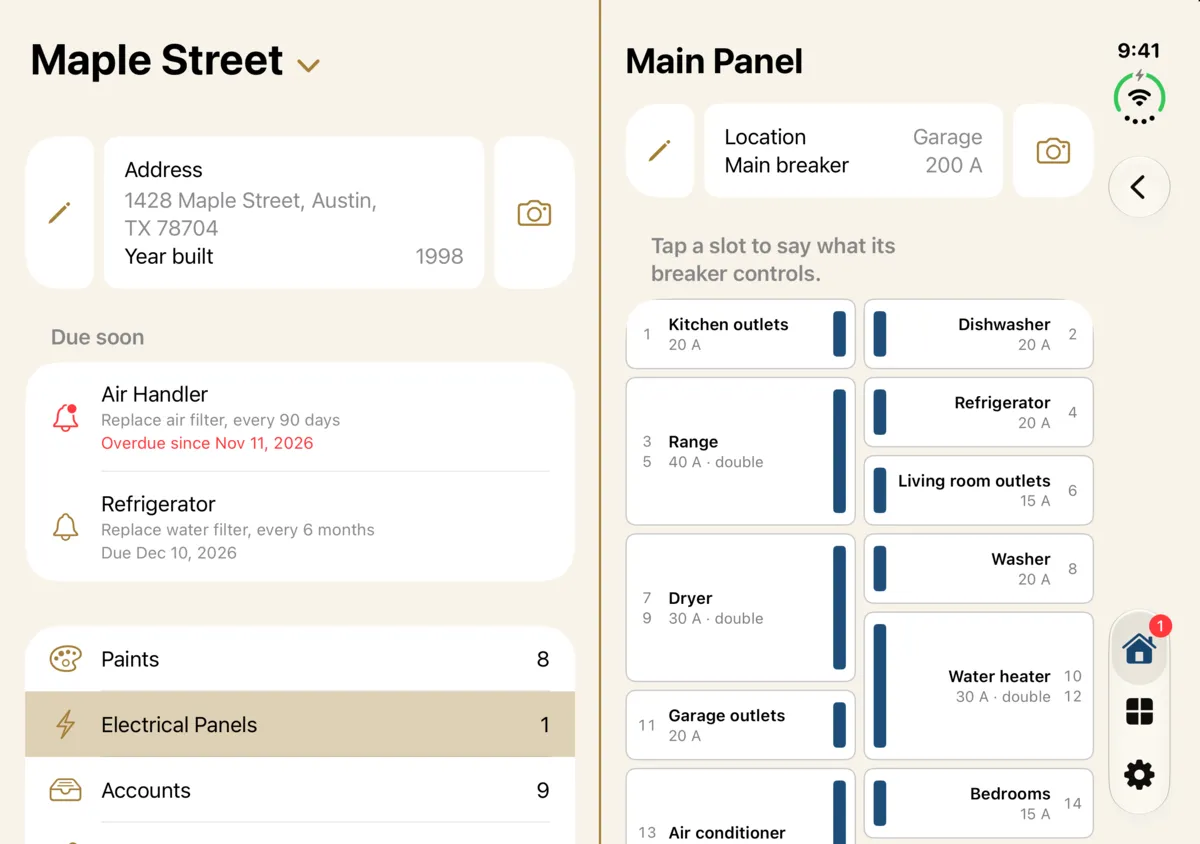
On iPhone Duo, House Tome uses the whole inner display. Your home sits on the left page, and what you tap opens on the right, so you can work with both at once.
Two pages, one spine
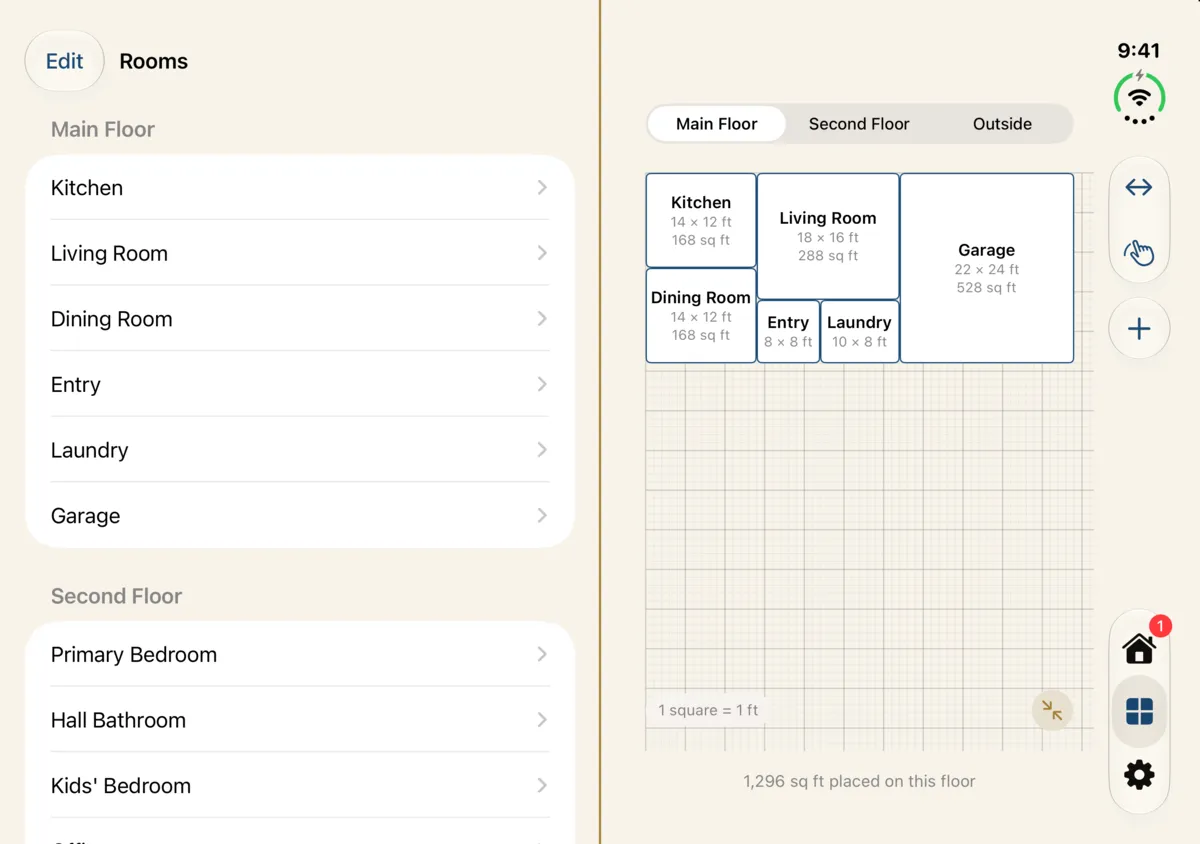
Home, the Rooms tab and each room open as two pages that meet exactly on the hinge, with a gold line down the middle like a book's spine.
Pick on the left, work on the right
Tap Paints, Electrical Panels or a reminder that's due, and it opens on the right page while your home stays on the left. In a room, the appliance you tap opens beside it.
Your rooms beside the plan
The room list and the floor plan sit side by side. One tap widens the plan across the whole display, and another brings the list back.
Fold it like a book
Fold it partway and a soft shadow settles along the fold. Stand it like a laptop and the floor plan stays above the fold, with its tools below.
Closed, it's an iPhone
On the outer display, or held upright, everything is in one column, just as on any other iPhone.